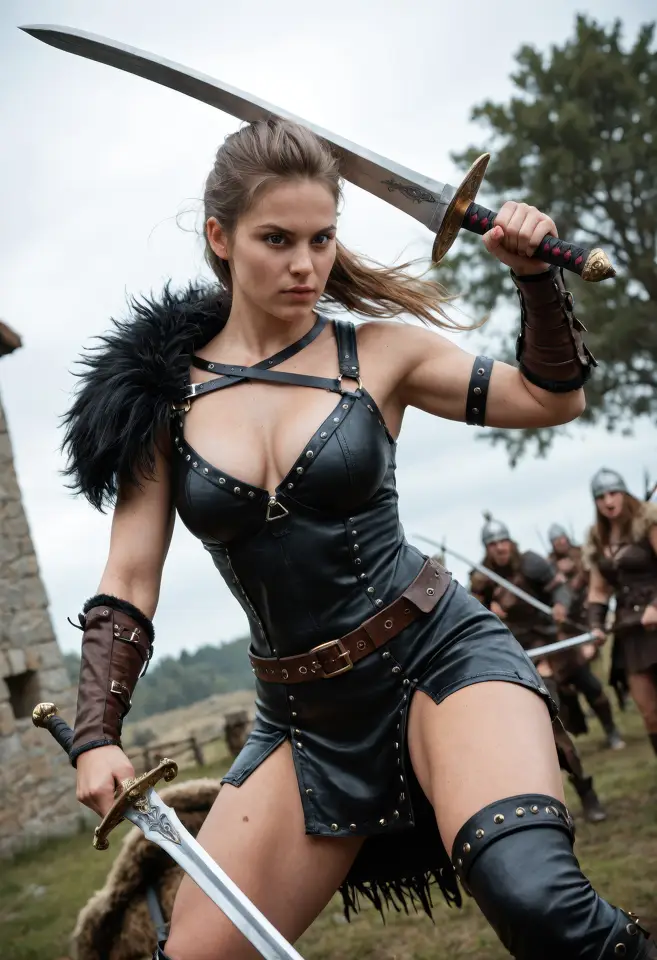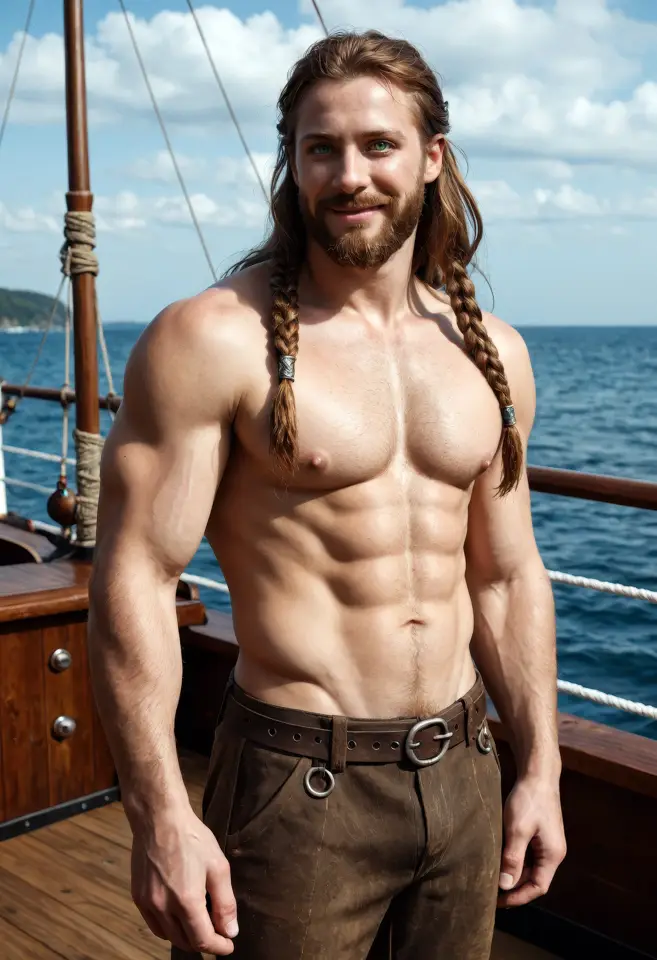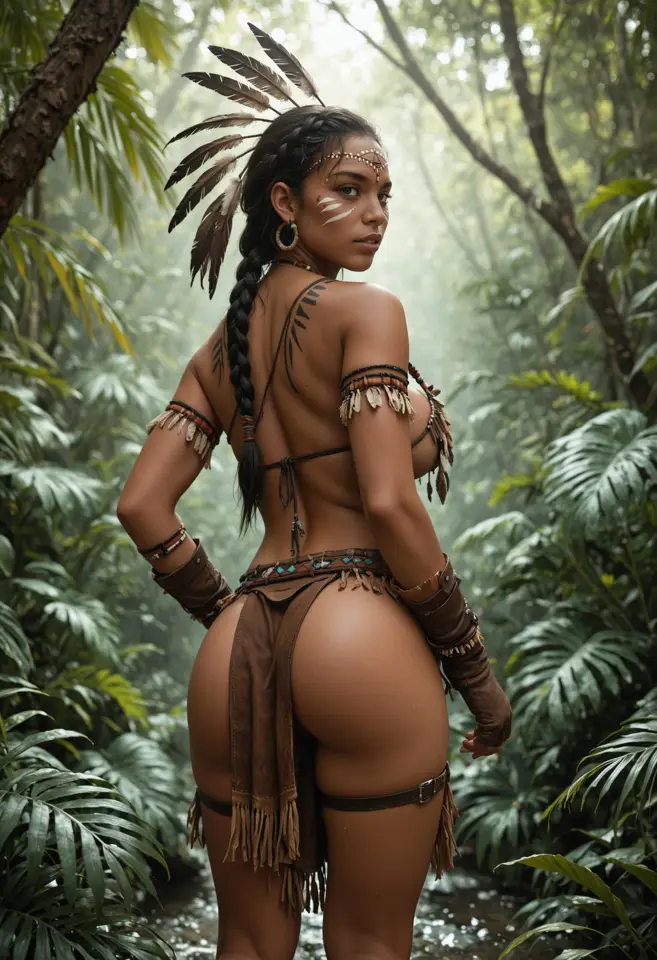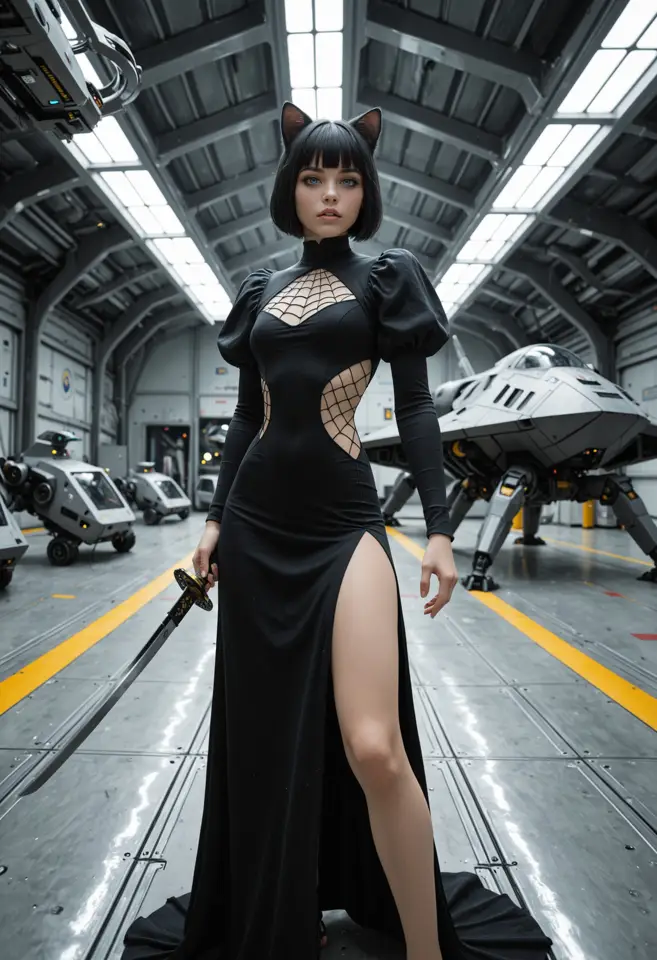
See the list

18+ only / image and video / free tiers

Uncensored AI for adult images and video

54 models, hubs, web generators and local apps that let adults make NSFW art. What each one does, and if it is free.

Checked Nov 25, 2026

Works with the tools people already use

ComfyUIPony V7IllustriousChromaWan 2.2HunyuanVideoCivitaiVenice

54 tools. 36 free. 26 make video.

See the list
54Tools in the list
32Run on your own PC
26Can make video
36Fully free

Best models and how to use them

The 8 we would start with. Real samples from each official model page, plus a full step by step guide.

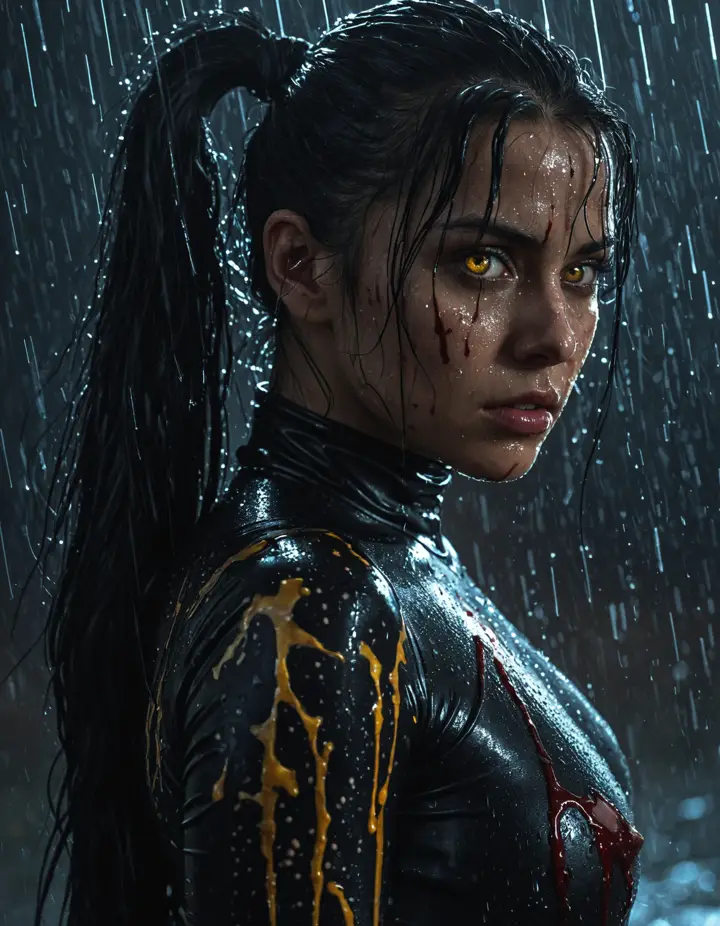
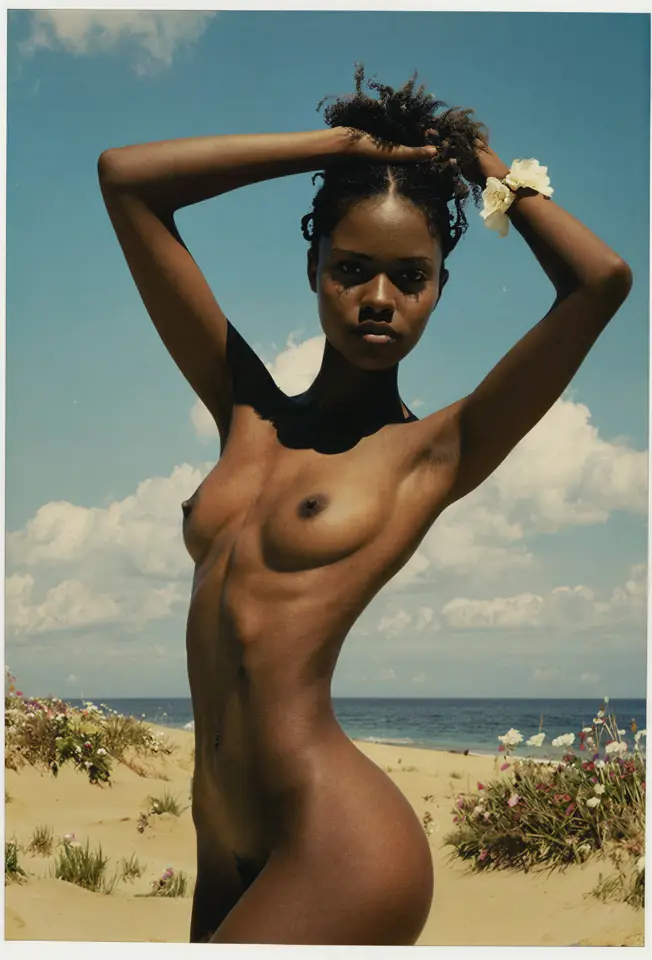
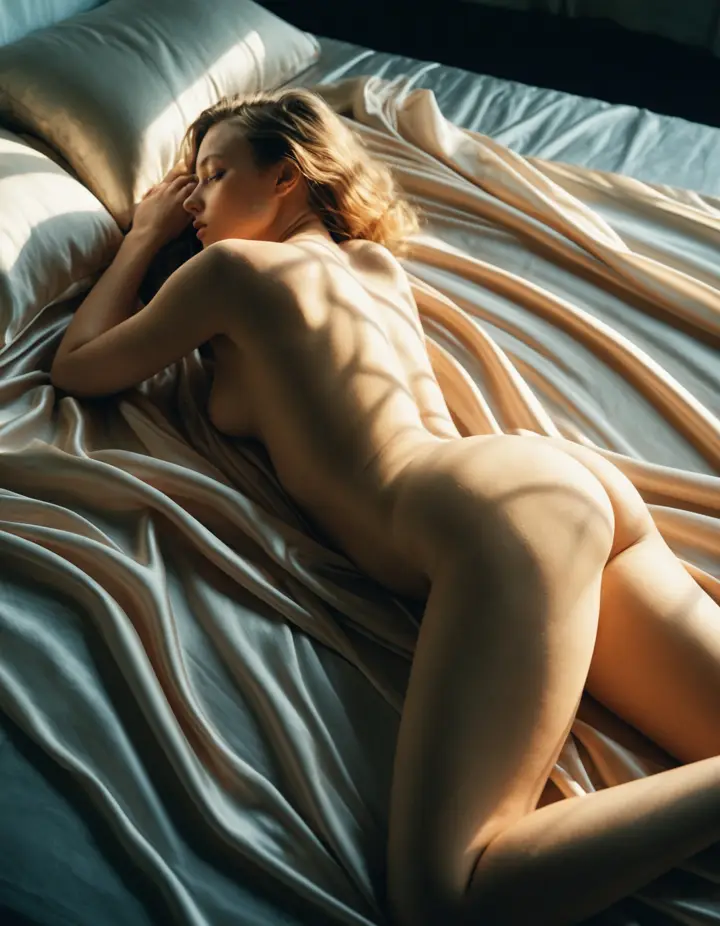
Lustify SDXL official sample
01Image, realistic

Lustify SDXL

A photoreal SDXL checkpoint built for adult photos of women from day one. Skin, light and bodies look like real photos, and it needs very little prompt work. It can also do normal SFW photos.

HardwareSDXL version (ZENITH V9): 8 GB VRAM is comfy, 6 GB works in Forge. The newer v10 (Krea 2) is bigger: Q4 GGUF for 8 GB, fp8 for 12 GB, full for 24 GB.
Use withForge Neo or ComfyUI for the SDXL file. ComfyUI for the v10 Krea 2 files.
Full guide

Install and load

  1. Install Forge Neo or ComfyUI (links in the Local UI list below).
  2. On the Civitai page pick the ZENITH (V9) SDXL version and download lustify_v9_finalsdxl_.safetensors (about 6.8 GB). You need a free Civitai account with mature content on.
  3. Forge: put it in models/Stable-diffusion. ComfyUI: put it in models/checkpoints.
  4. Restart or press refresh, then pick Lustify in the checkpoint menu.
  5. Set the settings below, type your prompt and press Generate.

Best settings

Sampler
DPM++ 2M SDE, Karras
Steps
30
CFG
3 to 5
Size
832 x 1216 portrait, 1024 x 1024 square
VAE
Baked in, nothing extra
Tags
None needed, write it like a photo caption

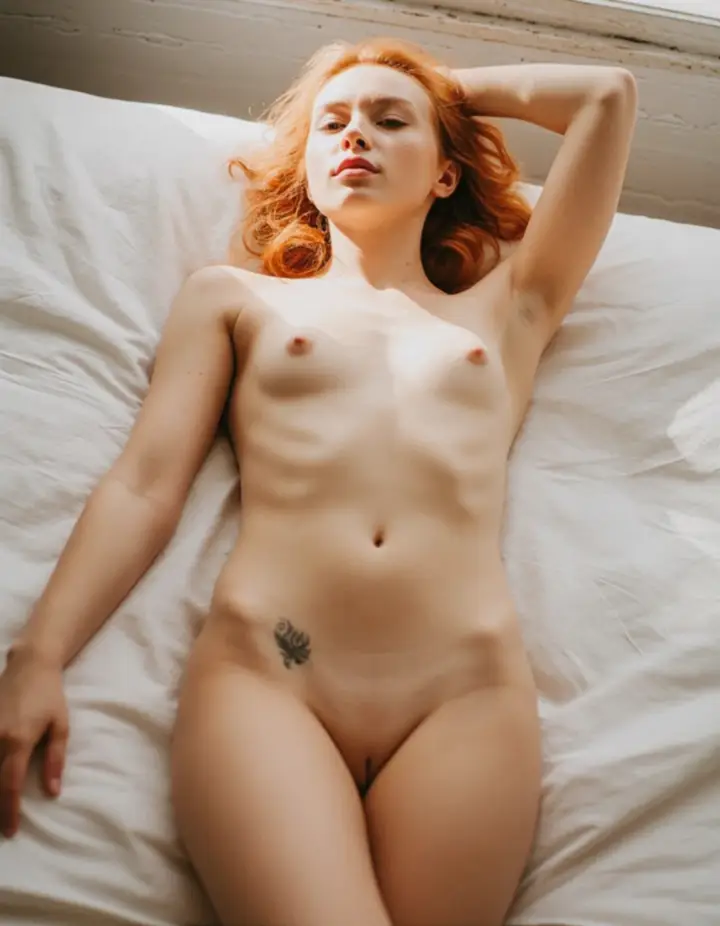
Sample prompt

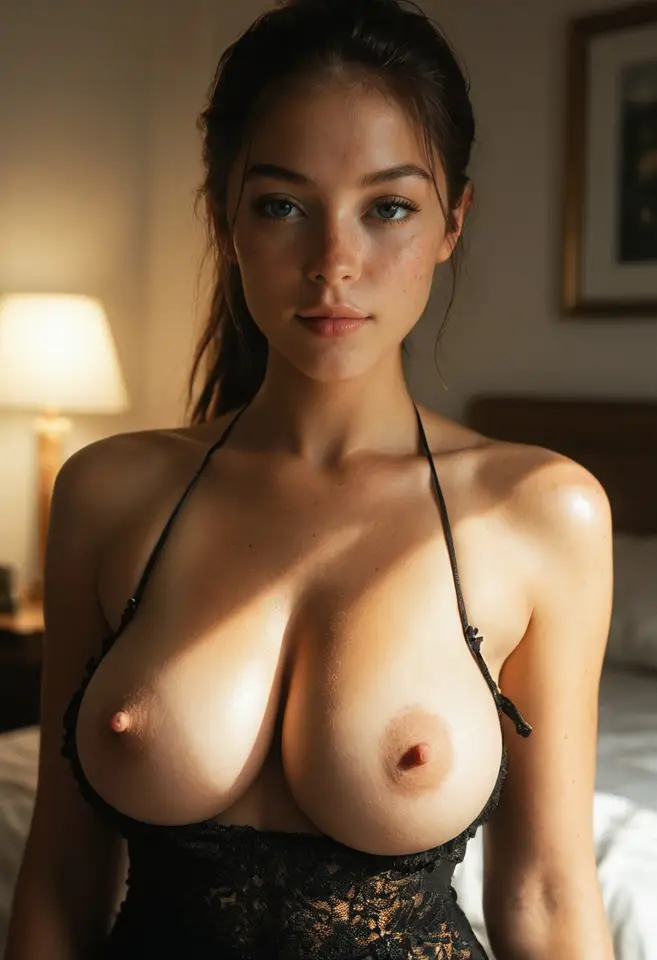
amateur photo of a 30 year old woman, nude, lying on white sheets, soft morning window light, natural skin texture, 35mm film grain

Negative prompt

child, teen, young, cartoon, 3d, lowres, blurry, extra fingers, watermark, text

Tips

  • Always say an adult age in the prompt and keep child, teen in the negative.
  • Words like amateur photo, phone photo or film grain make it look more real.
  • For bigger images use Hires fix at 1.5x with 0.3 denoise.
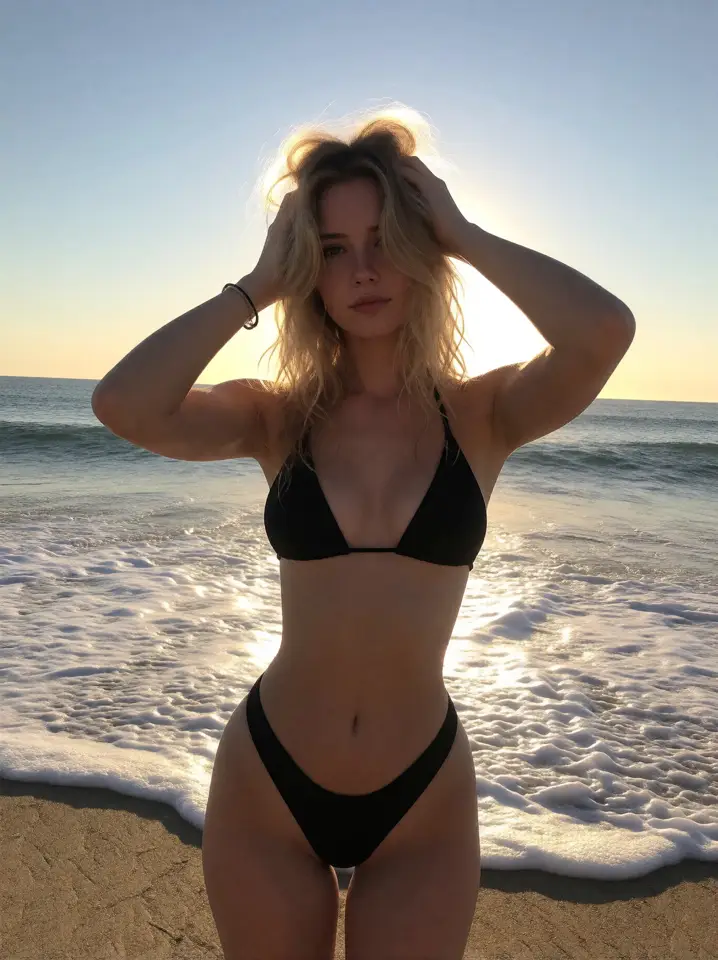
Juggernaut XL Ragnarok official sample
02Image, realistic

Juggernaut XL Ragnarok

The most famous SDXL realism model. The final Ragnarok version mixed in an NSFW set (including some Lustify) so it handles nudity well, and it is great for cinematic, moody shots.

Hardware8 GB VRAM for normal use. 6 GB works in Forge with low VRAM mode.

Use withForge Neo (easiest) or ComfyUI
Full guide

Install and load

  1. Install Forge Neo or ComfyUI.
  2. Download JuggernautXL_Ragnarok_ByRunDiffusion.safetensors (about 6.9 GB) from the Civitai page.
  3. Forge: models/Stable-diffusion. ComfyUI: models/checkpoints.
  4. Refresh the checkpoint list and select it.
  5. Use the settings below and generate.

Best settings

Sampler
DPM++ 2M SDE
Steps
30 to 40
CFG
3 to 6, lower looks more real
Size
832 x 1216
VAE
Baked in
Negative
Start empty, only add what you do not want

Sample prompt

cinematic photo of a 35 year old woman, topless, standing by a rainy window at night, neon reflections, shallow depth of field

Negative prompt

child, teen, young, cartoon, painting, lowres, deformed hands

Tips

  • The creator says start with no negative prompt and add words only when needed.
  • Hires fix: 1.5x, 15 steps, 0.3 denoise with 4x NMKD Siax.
  • There is also a Lightning version: DPM++ SDE, 4 to 6 steps, CFG 1 to 2.
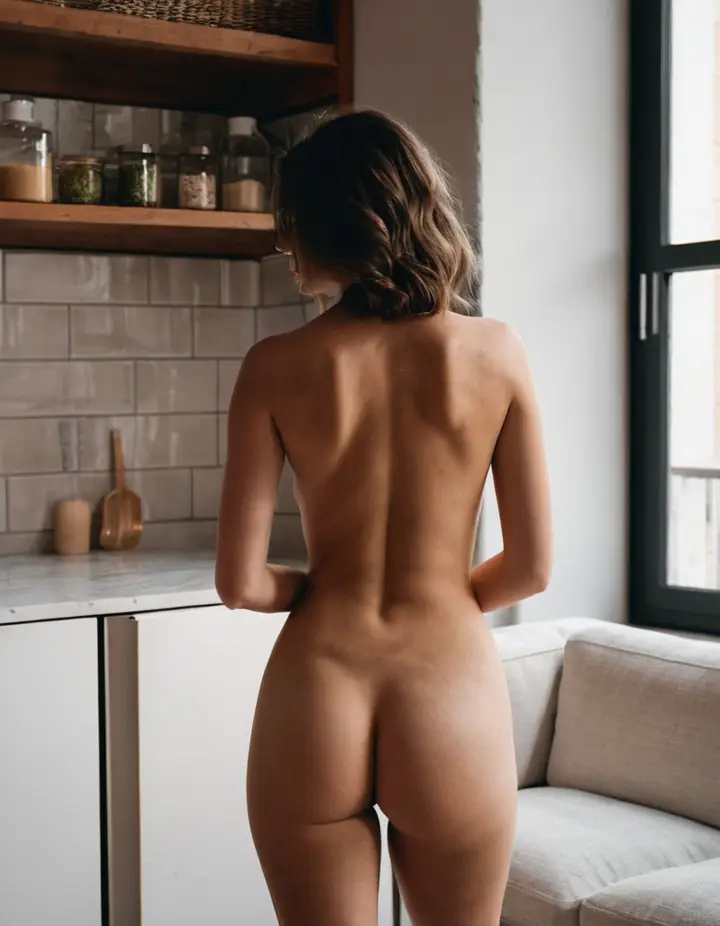
RealVisXL V5 official sample
03Image, realistic

RealVisXL V5

A photoreal SDXL merge that the creator says makes SFW and NSFW images of good quality. Very clean faces and skin, and a fast Lightning version for weak GPUs.

Hardware8 GB VRAM. The Lightning version is fast even on 6 GB.
Use withForge Neo (easiest) or ComfyUI
Full guide

Install and load

  1. Install Forge Neo or ComfyUI.
  2. Download RealVisXL_V5.0_fp16.safetensors (6.8 GB). Pick the fp16 file, the fp32 one is double the size for no gain.
  3. Forge: models/Stable-diffusion. ComfyUI: models/checkpoints.
  4. Select it in the checkpoint menu.
  5. Paste the settings and the creator's negative below, then generate.

Best settings

Sampler
DPM++ SDE Karras (30+ steps) or DPM++ 2M Karras (50+ steps)
CFG
4 to 7
Size
896 x 1152 or 832 x 1216
Lightning
DPM++ SDE Karras, 4 to 6 steps, CFG 1 to 2
Hires fix
1.1 to 1.5x, denoise 0.1 to 0.3, 4x UltraSharp

Sample prompt

RAW photo of a 28 year old woman, nude, from behind, standing in a sunny modern kitchen, natural light, film photo

Negative prompt

(worst quality, low quality, illustration, 3d, 2d, painting, cartoons, sketch), open mouth, child, teen

Tips

  • The negative above is the creator's own, we only added child, teen.
  • Start the prompt with RAW photo or film photo for the most real look.
  • Use the Lightning file if you want quick tests, then switch to full V5 for finals.
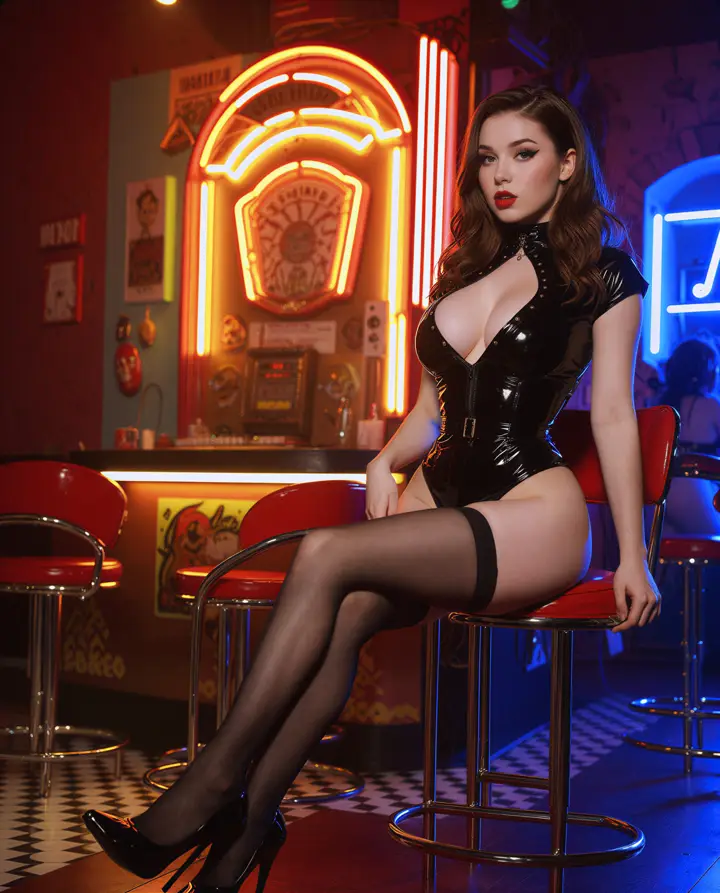
Pony Realism official sample
04Image, realistic Pony

Pony Realism

A Pony Diffusion V6 finetune pushed to real photos. You keep every Pony tag, pose and LoRA, but skin, light and bodies look real. One of the most downloaded adult models on Civitai.

Hardware8 GB VRAM, same as any SDXL model.
Use withForge Neo (easiest) or ComfyUI
Full guide

Install and load

  1. Install Forge Neo or ComfyUI.
  2. Download the latest main version (for example PonyRealism_v2.2_VAE.safetensors, about 6.9 GB). The VAE is already inside.
  3. Forge: models/Stable-diffusion. ComfyUI: models/checkpoints.
  4. Select it and set Clip skip to 2.
  5. Start the prompt with the score tags below and generate.

Best settings

Sampler
DPM++ 2M SDE Karras or Euler a
Steps
30 or more
CFG
6 to 7
Clip skip
2
Size
Over 1024 px, like 896 x 1152 or 832 x 1216
Tags
score_9, score_8_up, score_7_up, BREAK at the start
Negative tags
score_4, score_5, score_6

Sample prompt

score_9, score_8_up, score_7_up, BREAK, photo, mature female, 30 years old, nude, long dark hair, sitting on a bed, warm lamp light, realistic skin

Negative prompt

score_4, score_5, score_6, child, teen, young, cartoon, lowres, bad hands

Tips

  • The creator says use female and male instead of woman and man.
  • Keep any single prompt weight at 1.5 or lower.
  • Add mature female or an adult age to every prompt.
CyberRealistic Pony official sample
05Image, realistic Pony

CyberRealistic Pony

Cyberdelia's photoreal Pony mix with very clean faces and skin. It works with Pony LoRAs, and you can even drop the Pony score tags and prompt it like a normal photo model.

Hardware8 GB VRAM.
Use withForge Neo (easiest) or ComfyUI
Full guide

Install and load

  1. Install Forge Neo or ComfyUI.
  2. Download CyberRealisticPony_V18.0_F16.safetensors (6.8 GB). Skip the F32 file, it is double the size.
  3. Forge: models/Stable-diffusion. ComfyUI: models/checkpoints.
  4. Select it, set Clip skip to 2.
  5. Use the creator's prompt and negative below. For sharper faces add ADetailer with face_yolov9c.pt.

Best settings

Sampler
DPM++ SDE Karras, DPM++ 2M Karras or Euler a
Steps
30 or more
CFG
5
Clip skip
2
Size
896 x 1152 or 832 x 1216
Tags
score_9, score_8_up, score_7_up, then your subject

Sample prompt

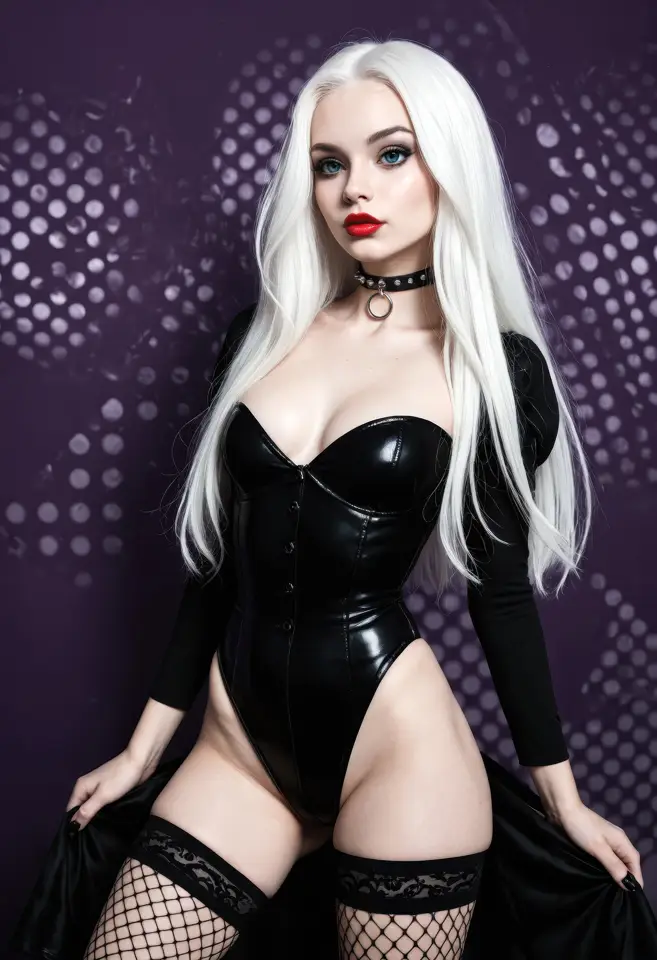
score_9, score_8_up, score_7_up, photo of a 32 year old woman with long white hair, black latex bodysuit and fishnets, studio light, purple backdrop

Negative prompt

score_6, score_5, score_4, (worst quality:1.2), (low quality:1.2), lowres, bad anatomy, bad hands, watermark, child, teen

Tips

  • You can remove the score tags and still get great results.
  • ADetailer fixes small faces in full body shots.
  • Pair it with any Pony NSFW LoRA, start the LoRA at 0.6.
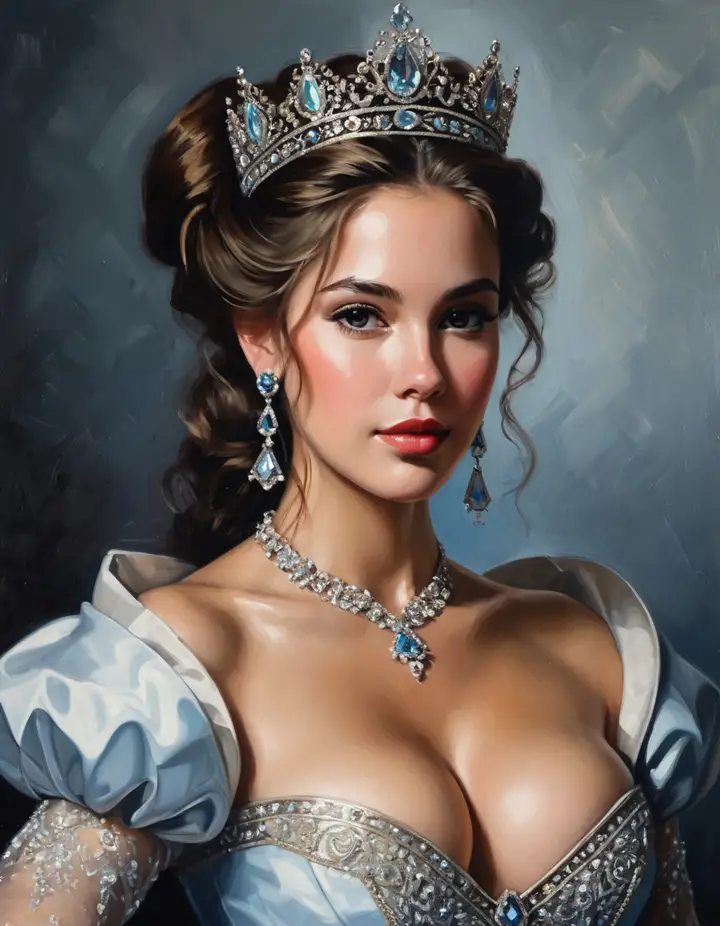
CyberRealistic CyberIllustrious official sample
06Image, realistic Illustrious

CyberRealistic CyberIllustrious

An Illustrious XL finetune that turns its huge tag knowledge into real looking photos. Great for glam, editorial and fantasy shots that still look like a camera took them.

Hardware8 GB VRAM.
Use withForge Neo (easiest) or ComfyUI
Full guide

Install and load

  1. Install Forge Neo or ComfyUI.
  2. Download CyberIllustrious_V12_FP16.safetensors (6.8 GB). VAE is baked in.
  3. Forge: models/Stable-diffusion. ComfyUI: models/checkpoints.
  4. Select it in the checkpoint menu.
  5. Write tags or short sentences and use the settings below.

Best settings

Sampler
DPM++ SDE Karras, DPM++ 2M Karras or Euler a
Steps
30 or more
CFG
4 to 5
Size
896 x 1152 or 832 x 1216
Fast version
DMD2 edition needs far fewer steps

Sample prompt

photo, 1woman, mature female, 30 years old, tribal jewelry, from behind, looking back, jungle, golden light, realistic skin, detailed

Negative prompt

lowres, bad anatomy, bad hands, child, loli, young, petite, worst quality, watermark, cartoon

Tips

  • Tags from Illustrious work here too, mix them with photo words.
  • Add mature female and keep child, loli, petite in the negative.
  • Try the DMD2 version when you want quick tests.
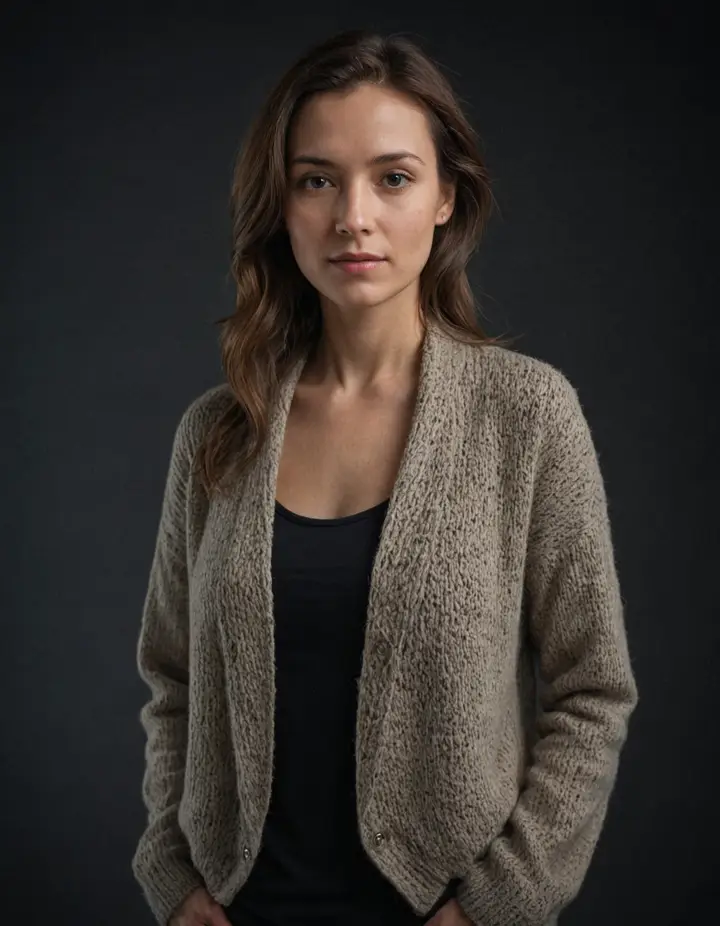
UnCanny Chroma official sample
07Image, realistic Chroma

UnCanny Chroma

A photoreal finetune of Chroma1 HD, the open model trained without censoring. It keeps Chroma's huge concept knowledge and makes people and places look like real photos.

Hardwarefp8 file: 12 GB. bf16: 24 GB. GGUF files on Hugging Face run on 8 GB.
Use withComfyUI
Full guide

Install and load

  1. Install and update ComfyUI.
  2. Download UnCanny_v1.3 (fp8 8.7 GB or bf16 17.4 GB) into models/diffusion_models.
  3. You also need the Chroma text encoder t5xxl_fp8_e4m3fn.safetensors in models/text_encoders and ae.safetensors in models/vae.
  4. Open ComfyUI's default Chroma workflow from Templates and pick UnCanny in the model loader.
  5. Write a simple natural sentence and queue.

Best settings

Steps
30 to 40 (Flash version: 15 to 17)
CFG
About 3.5 (Flash: 1)
Sampler
res_2m, dpmpp_sde or exp_heun_2_x0_sde
Scheduler
bong_tangent, beta or beta57
Size
1024 x 1024 or 896 x 1152

Sample prompt

a 30 year old red haired woman lying nude on white sheets, morning light from a window, film photo, natural skin

Negative prompt

child, teen, cartoon, illustration, low quality, blurry, bad hands

Tips

  • Simple sentences work best, like the creator's examples.
  • Negatives only work above CFG 1, so use the base version if you need them.
  • The Flash version is about twice as fast.
08Video, Wan 2.2 finetune

Smooth Mix Wan 2.2

A Wan 2.2 14B finetune made for adult motion, with the Lightx2v speed LoRA baked in. Realistic or anime style, text to video and image to video, in only 4 to 6 steps. Base Wan models: github.com/Wan-Video.

Hardware16 GB or more for the fp16 files. GGUF versions on the page for 8 to 12 GB.
Use withComfyUI
Full guide

Install and load

  1. Install and update ComfyUI.
  2. Download both files: SmoothMix_T2V_High_v4 and SmoothMix_T2V_Low_v4 (or the I2V pair). Put them in models/diffusion_models.
  3. Get the Wan 2.2 text encoder (umt5 xxl) into models/text_encoders and the Wan VAE into models/vae. ComfyUI's Wan 2.2 template lists them.
  4. Load the creator's Smooth Workflow from the model page, or the Wan 2.2 14B template, and swap in the High and Low files.
  5. Add smoothmixrealism or realistic style to the prompt and run.

Best settings

Steps
4 or 6
CFG
1
Sampler
Euler a with Normal, or UniPC with Simple
Size
480 x 720 for mid PCs, 560 x 940 for high end
Triggers
smoothmixrealism, realistic style, smoothmixanime, anime style
LoRAs
Start at 0.3 to 0.5

Sample prompt

smoothmixrealism, realistic style, a 30 year old woman in a silk robe relaxing on a red velvet chair in an old library, she smiles and slowly lets the robe slip off one shoulder, candle light

Negative prompt

child, teen, young, blurry, jittery, deformed, extra limbs, watermark

Tips

  • Try without LoRAs first, the showcase videos used none.
  • Start from a Lustify or CyberRealistic image with the I2V version for steady bodies.
  • Keep clips around 5 seconds and join them later.

Online, no install in 3 steps

Venice

  1. Go to venice.ai and make a free account.
  2. Open Settings and turn off Safe Mode (confirm you are 18+).
  3. Pick an image model, type your prompt and generate.
venice.ai

Perchance

  1. Open the Perchance AI image page, no account needed.
  2. Type your prompt and pick a style.
  3. Press Generate. Adult prompts work, results are not saved unless you save them.
perchance.org

Unstable Diffusion

  1. Go to unstability.ai and sign up free.
  2. Pick a style (photo, anime and more) and type your prompt.
  3. Generate with your free daily credits.
unstability.ai

ArtBot (AI Horde)

  1. Open artbot.site, no account needed.
  2. In settings allow NSFW, then pick a model like Pony or Juggernaut.
  3. Type your prompt and create. Volunteer GPUs make it, so wait a bit.
artbot.site

Frosting

  1. Go to frosting.ai and sign up with your date of birth.
  2. Pick anime, furry or photo style.
  3. Type your prompt and use your 100 free gens. Images stay private.
frosting.ai

Civitai Generate

  1. Sign in on civitai.com and turn on mature content in settings.
  2. Open Generate, pick a checkpoint like Pony Realism or Lustify.
  3. Type your prompt and spend free daily Buzz to generate.
civitai.com

NSFW Wan

  1. Open nsfwwan.video and confirm you are 18+.
  2. Upload an image of an AI adult character or type a prompt.
  3. Pick a Wan model and generate a short video.
nsfwwan.video

BoredSexy Studio

  1. Open boredsexy.studio, confirm 18+ and sign up for free credits.
  2. Pick a fantasy template or write your own prompt.
  3. Use an AI model as the star, then generate image or video.
boredsexy.studio

On your PC quick start

Locally Uncensored

  1. Download the installer for Windows, Linux or Mac from the site.
  2. Run it. It finds Ollama or LM Studio and sets up ComfyUI for you.
  3. Pick a model for chat, images or video and start.
locallyuncensored.com

GLM 5.3 Uncensored

  1. Install TabbyAPI or text-generation-webui with the ExLlamaV3 loader.
  2. Download the EXL3 3.0bpw folder from Hugging Face (about 55 GB).
  3. Load it with the ExLlamaV3 loader on a 64 GB+ VRAM setup and chat.
huggingface.co

AnimateDiff Evolved

  1. In ComfyUI open Manager, search AnimateDiff Evolved and install.
  2. Download a motion module (for example mm_sd_v15_v2 or an SDXL one) into its models folder.
  3. Load the example workflow, pick your NSFW checkpoint and render.
github.com

Qwen Image

  1. Update ComfyUI and open Templates.
  2. Pick Qwen Image or Qwen Image Edit and download the files it asks for.
  3. Add an NSFW Qwen LoRA from Civitai in models/loras and generate.
huggingface.co

The list

Every link opened on Nov 25, 2026. Local models are free forever. Online sites change rules, so check their terms.

54 SHOWN
Local model05

WAI Illustrious SDXL

One of the most downloaded Illustrious mixes. Clean anime, no filter.

ImageFree
civitai.com
Pony Realism official image
Local model11

Pony Realism

Realistic Pony finetune. Real skin and light with all the Pony tags and LoRAs.

ImageFree
civitai.com
CyberRealistic Pony official image
Local model12

CyberRealistic Pony

Photoreal Pony mix with clean faces. Huge favourite for adult realism.

ImageFree
civitai.com
CyberRealistic CyberIllustrious official image
Local model13

CyberRealistic CyberIllustrious

Illustrious finetune that looks like a real photo, with Illustrious tag control.

ImageFree
civitai.com
UnCanny Chroma official image
Local model14

UnCanny Chroma

Photoreal Chroma finetune. Natural sentences, real looking people, no filter.

ImageFree
civitai.com
Civitai official image
Model hub22

Civitai

Biggest hub for adult checkpoints and LoRAs. Turn on mature content in settings.

Image + videoFreemium
civitai.com
Civitai Generate official image
Web generator23

Civitai Generate

Run Civitai models in your browser with Buzz credits. Turn on mature content first.

Image + videoFreemium
civitai.com
SeaArt official image
Model hub25

SeaArt

Massive LoRA library. Adult gens in private mode after age check.

Image + videoFreemium
seaart.ai
Locally Uncensored official image
Local UI50

Locally Uncensored

One installer for uncensored chat, Flux images and Wan video. Open source, or online with no GPU.

Image + videoFree
locallyuncensored.com
AnimateDiff Evolved official image
Local UI51

AnimateDiff Evolved

ComfyUI nodes that animate any SD 1.5 or SDXL checkpoint, so your NSFW models move.

VideoFree
github.com
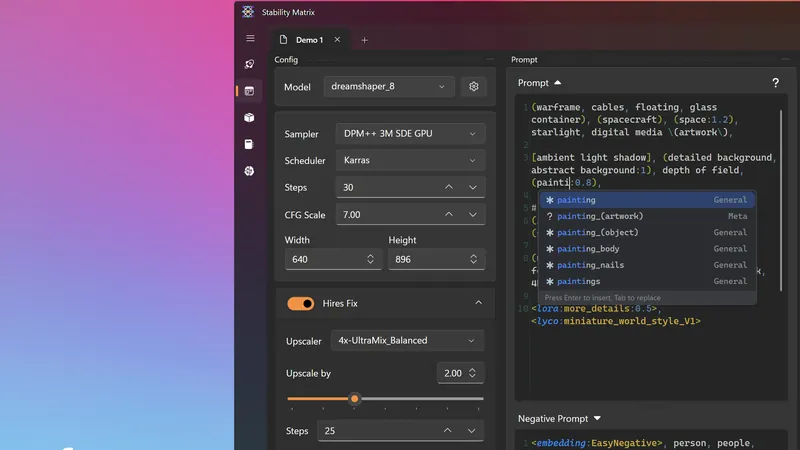
Stability Matrix official image
Local UI52

Stability Matrix

One click installer for all the UIs and models above.

Image + videoFree
github.com

Nothing matches that. Try another word.

Rules for this list. Adults only. Everything here is for fictional adult characters or yourself. No undress or nudify apps, no face swap or deepfakes of real people, nothing involving minors and no piracy. Follow each site's terms and the law where you live.